
How to Make a Hotel Lobby AI Video
Compare the Orange Studio sample below with the two portraits used to make it. Then follow the steps to prepare your photos and choose a scene.
By DuoMeme · Last reviewed
You can watch or download the sample and prepare your photos. Generation with your own photos and pack purchases are not open yet.
Source portraits and video sample
The two fictional AI portraits used for the sample

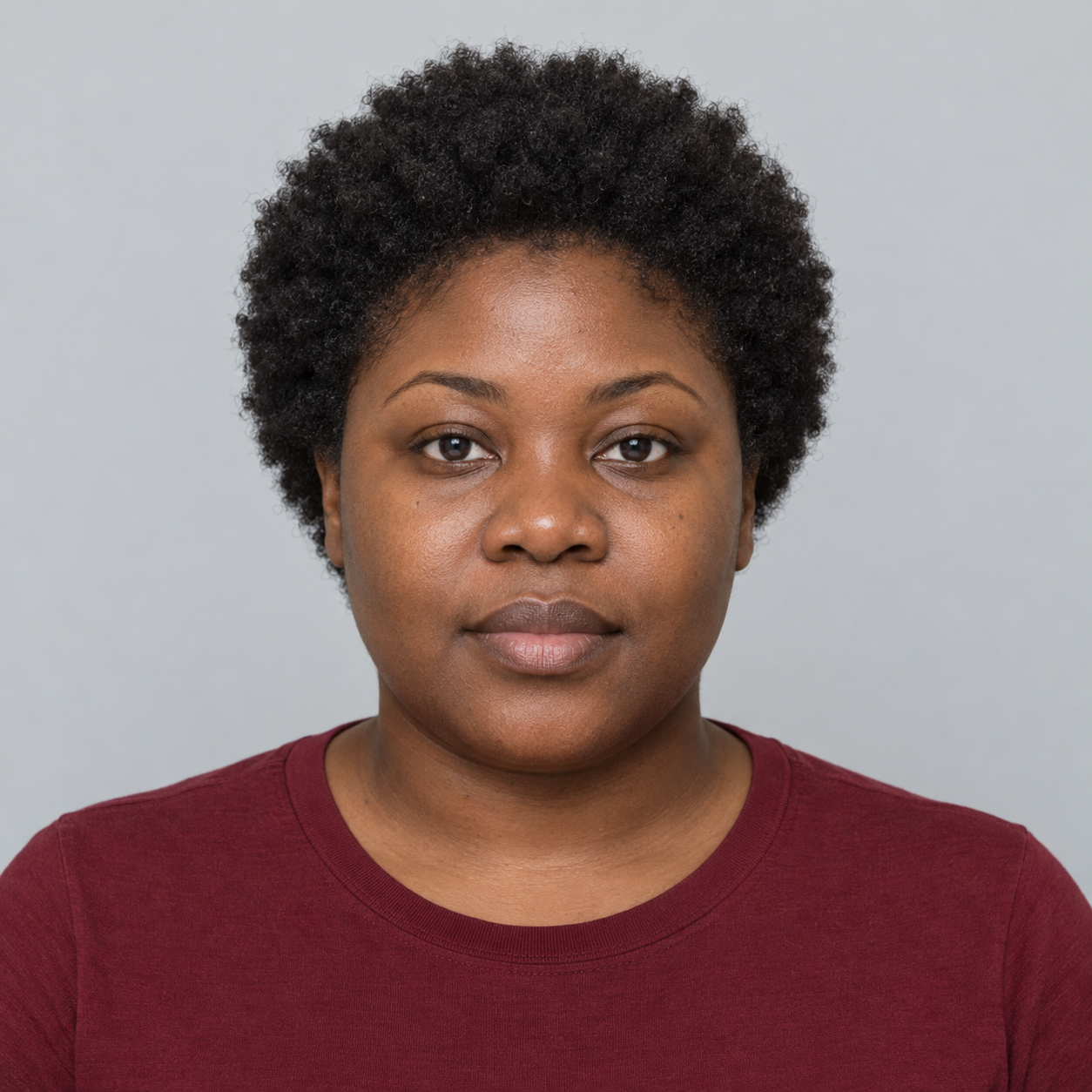
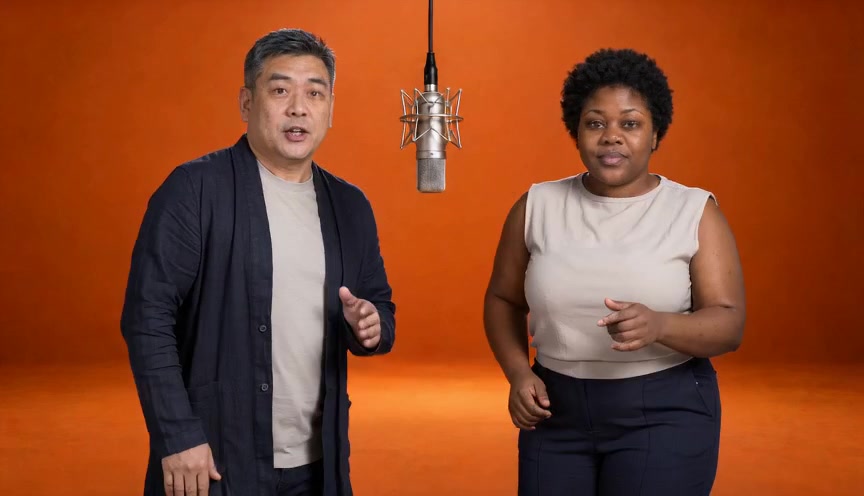
15 sec · 864 × 496 · 24 fps · MP4 with audio
Generated faces, clothing and motion may differ from the photos; exact likeness and lip sync are not guaranteed.
Download sampleThe sample was generated from the two fictional portraits above and an orange studio reference image. The video and audio were generated together; this is the full clip with its generated soundtrack.
Compare the video with the portraits above to see how faces and clothing change. This sample shows the result for one pair of photos; other photos may produce different results.
1. Add two photos
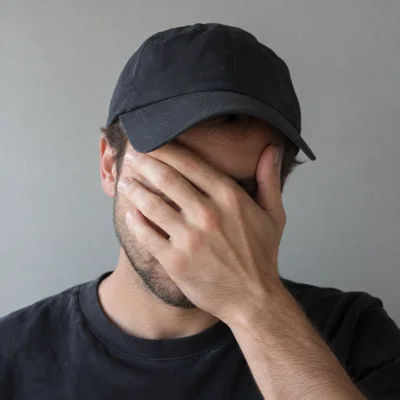
Use photos you have permission to use. Choose one adult per photo, with the face visible and evenly lit. Avoid hands, hair, or sunglasses covering key facial details.
Which photos work best?
Use one person per photo, with a clear face and even light.
- Keep the face visible
- Avoid heavy filters
- Check the left and right positions
Photo examples

2. Swap left and right
The first photo is for the person on the left; the second is for the person on the right. Use the button between them to swap positions.
3. Choose your scene
Play the Orange Studio sample to see the video. Retro Mic and Hotel Lounge currently have illustrations showing the setting and composition.
Orange Studio
A bright orange backdrop and a shared microphone. Watch the 15-second AI video sample with sound.
Personalized generation is not available yet.
Watch sampleRetro Mic
A vintage microphone and warm studio lighting for a retro duet.
Personalized generation is not available yet.
Preview sceneHotel Lounge
A cozy lounge with soft lighting for an evening duet.
Personalized generation is not available yet.
Preview scene4. Review photos and positions
The planned format is 15 seconds at 480p for 20 credits per video. Check your photos, positions and cost before generating. Packs are one-time purchases and credits do not expire. Buying a pack does not start a video; you must select Generate. Purchases and generation are not open yet.
5. Check progress and download
You can download the sample above now. Once generation opens, track your video in My videos. Closing the page will not cancel it. Completed MP4s will be available for 30 days, with no extra credits charged for repeat downloads.
My videosSupport
For a generation or payment issue, sign in and submit a ticket with the job or order ID. Do not include passwords or full card numbers.
SupportPrivacyRefunds