Retro Mic
A vintage microphone and warm studio lighting for a retro duet.
Personalized generation is not available yet.
Preview scene Log in
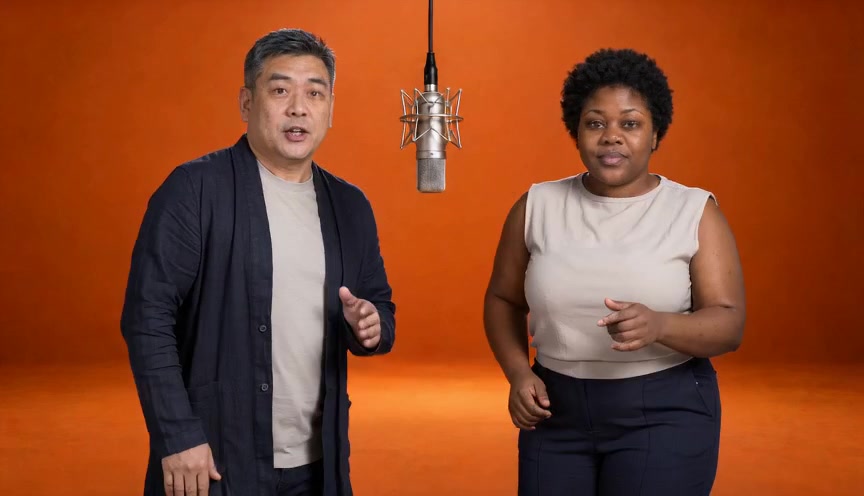
Two people share a hanging microphone against a plain orange backdrop.
JPG, PNG or WebP · up to 10 MB each
Selected template: Orange Studio
15 sec · 480p tier · landscape MP4
You'll review the price before generating.
15 sec · 864 × 496 · 24 fps · MP4 with audio
Generated faces, clothing and motion may differ from the photos; exact likeness and lip sync are not guaranteed.
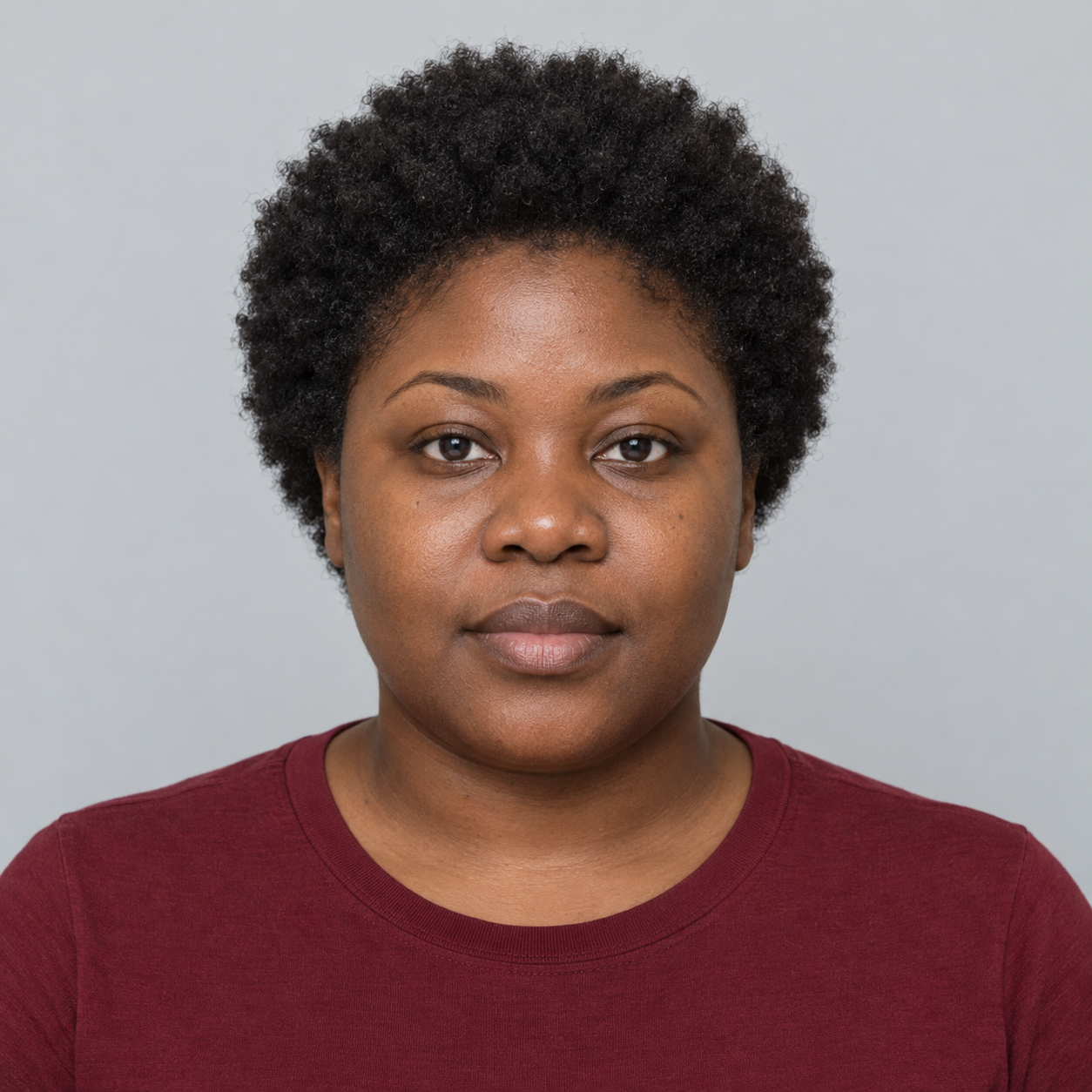
Download sampleThe two fictional AI portraits used for the sample

Photos are saved in this browser for up to 7 days. Remove them to clear the local copies. Once generation opens, continuing after sign-in will also save a draft to your account.
Each photo supplies one person; the template sets the background and movement. Facial details and clothing may change during generation.
The sample was generated from the two fictional portraits above and an orange studio reference image. The video and audio were generated together; this is the full clip with its generated soundtrack.
The two fictional AI portraits used for the sample
Choose a clear portrait with the full head visible. Avoid cropping the top of the hair.
Photo examples

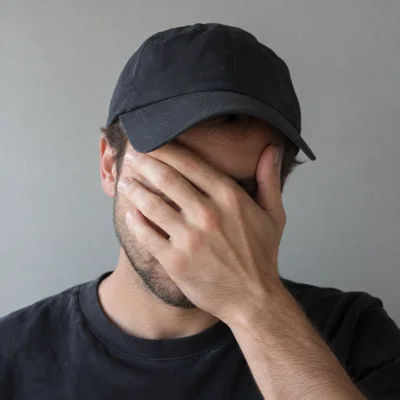
Choose a clear photo of each person.
Select a template and check who's on each side.
Check both photos, their positions and the video format. Generation is not open yet.
The planned format is 15 seconds at 480p. Higher resolutions are not available.
You can view the Orange Studio sample and illustrations of Retro Mic and Hotel Lounge. None currently supports generation with your own photos.
AI video can change facial details, clothing, and hands. Concept previews are not a guarantee of your result.
Yes. Use the swap button between your photos to change the left and right positions before reviewing.
Not yet. You can watch or download the Orange Studio sample, select your photos and arrange their positions.
A vintage microphone and warm studio lighting for a retro duet.
Personalized generation is not available yet.
Preview sceneA cozy lounge with soft lighting for an evening duet.
Personalized generation is not available yet.
Preview scene